MIDI Innovation Awards 2026 – Best MIDI 2.0 Product Winner
Andrew Huang features Opti Deko from 7:33 to 8:30 in the video.
Reinventing the Keyboard
What’s Opti Deko?
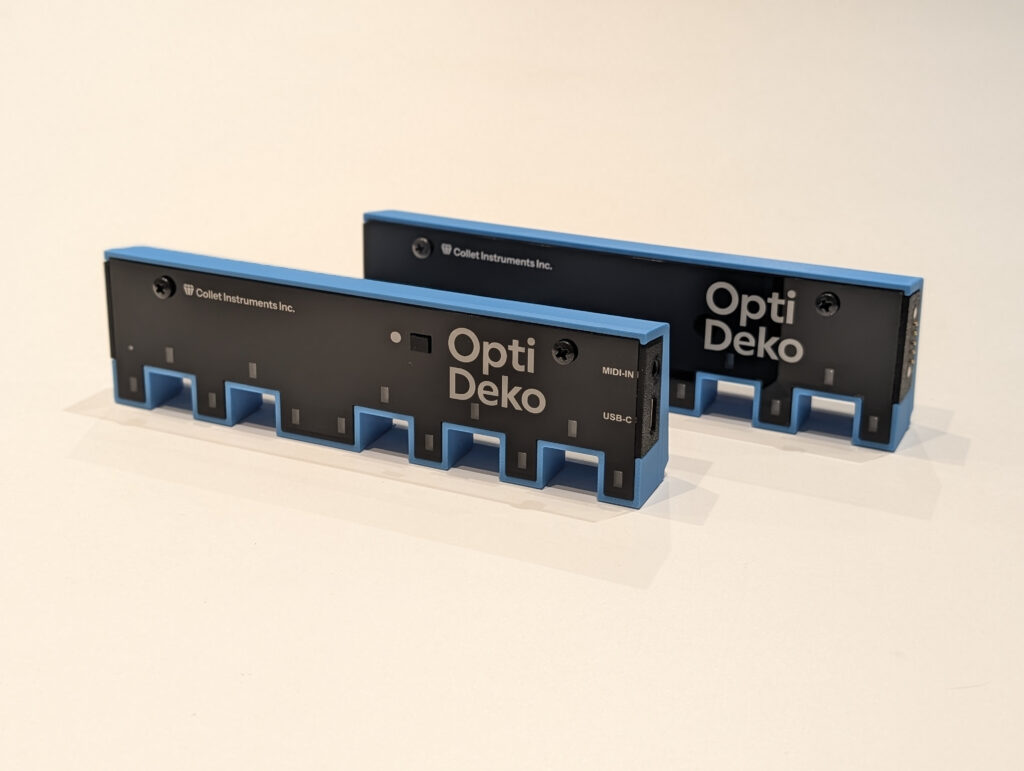
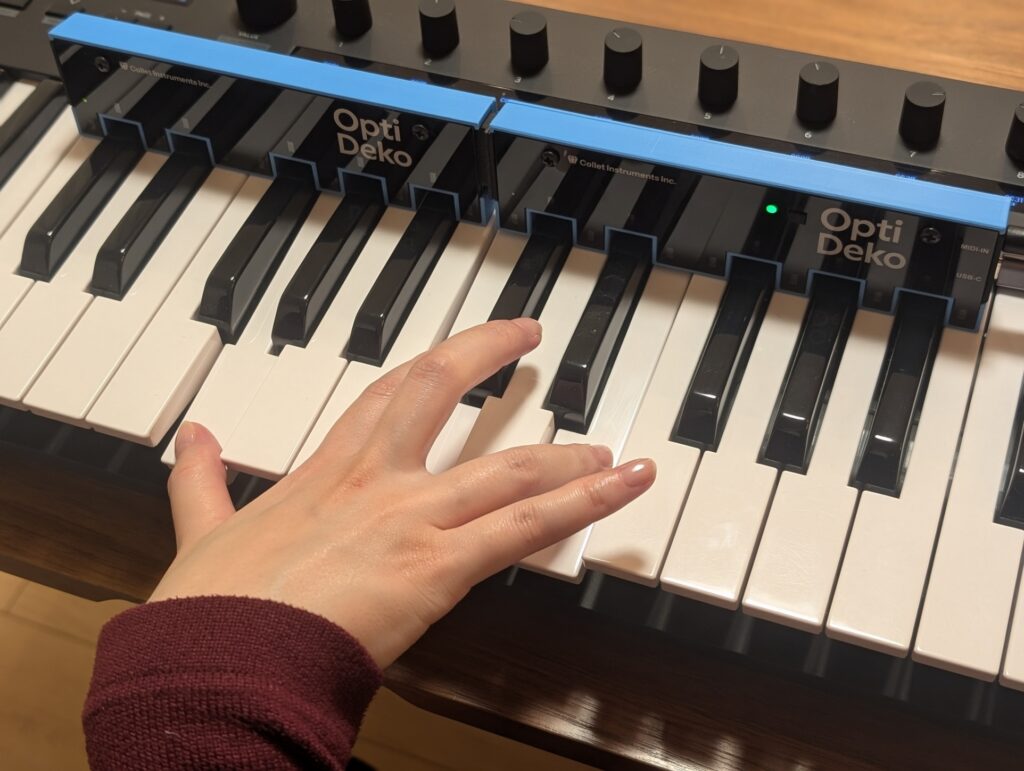
Opti Deko is an optical sensor-based performance interface that attaches to a MIDI keyboard. When you hold down a key and move your finger forward or backward, the distance sensor tracks your finger position and lets you change the tone.
Change the Sound of Just One Note in a Chord
For example, if you hold down the G, C, and E keys and move only the finger on the C key, only the timbre of the C note changes, while the G and E notes continue sounding unchanged.
Because each note can be controlled independently, when playing with both hands, you can also change only the notes played by your right hand.
With an MPE (MIDI Polyphonic Expression) compatible sound source, this kind of per-note control is possible.
Simple Setup
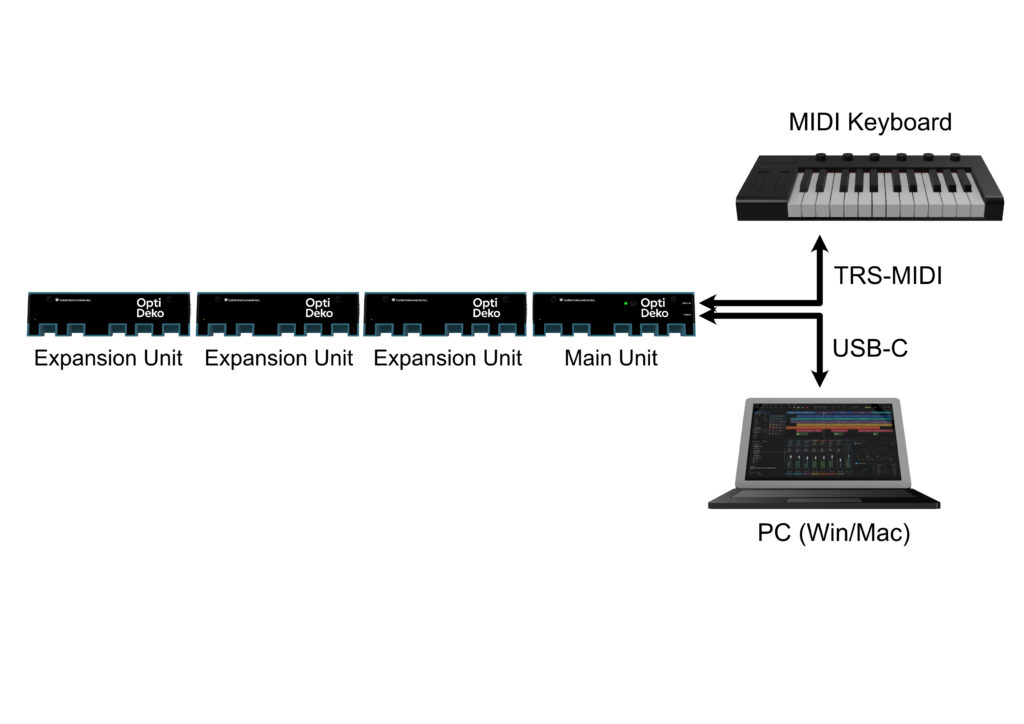
Installing Opti Deko is very simple. Connect your MIDI keyboard and PC to the Opti Deko Main Unit, then just place it on your MIDI keyboard and it’s ready to use.
It is also easy to remove from the keyboard, and no modification to the keyboard is required.
Expansion Units are also available to extend the playable range. They connect using magnetic terminals, allowing you to expand the sensing range up to four octaves.
Two Modes
Slide Mode
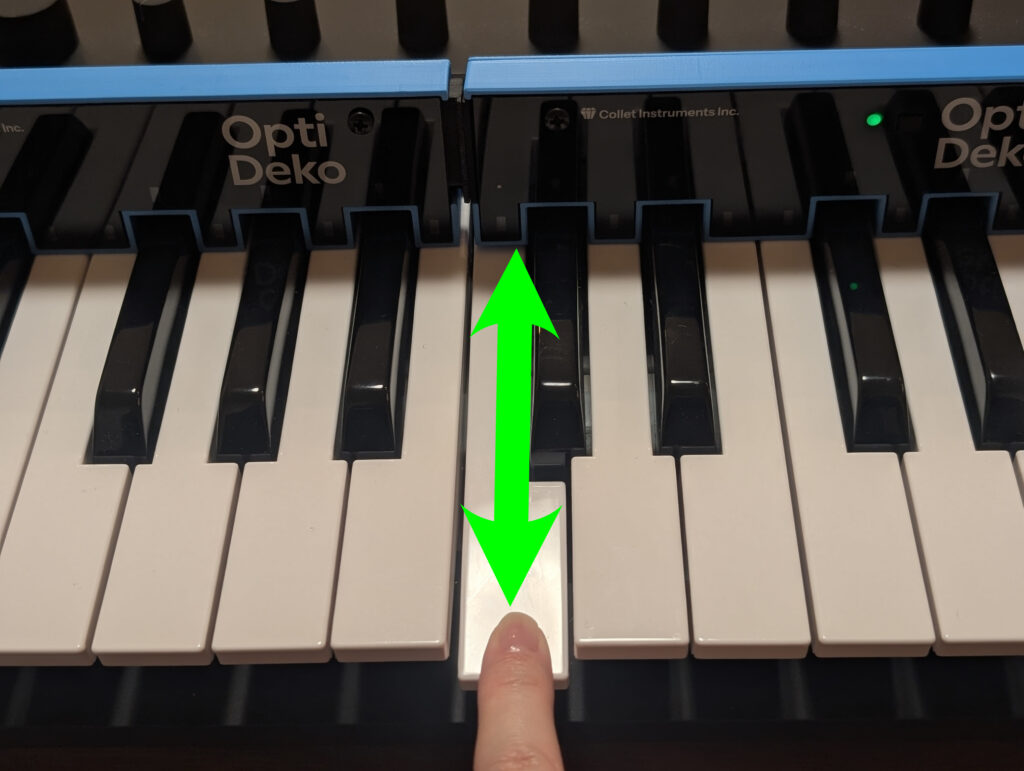
While playing, move your finger forward or backward on the key you are holding down, and the timbre changes continuously.
Each note can be controlled independently, allowing you to apply different sound changes to each finger.
Microtonal (24-EDO) Mode
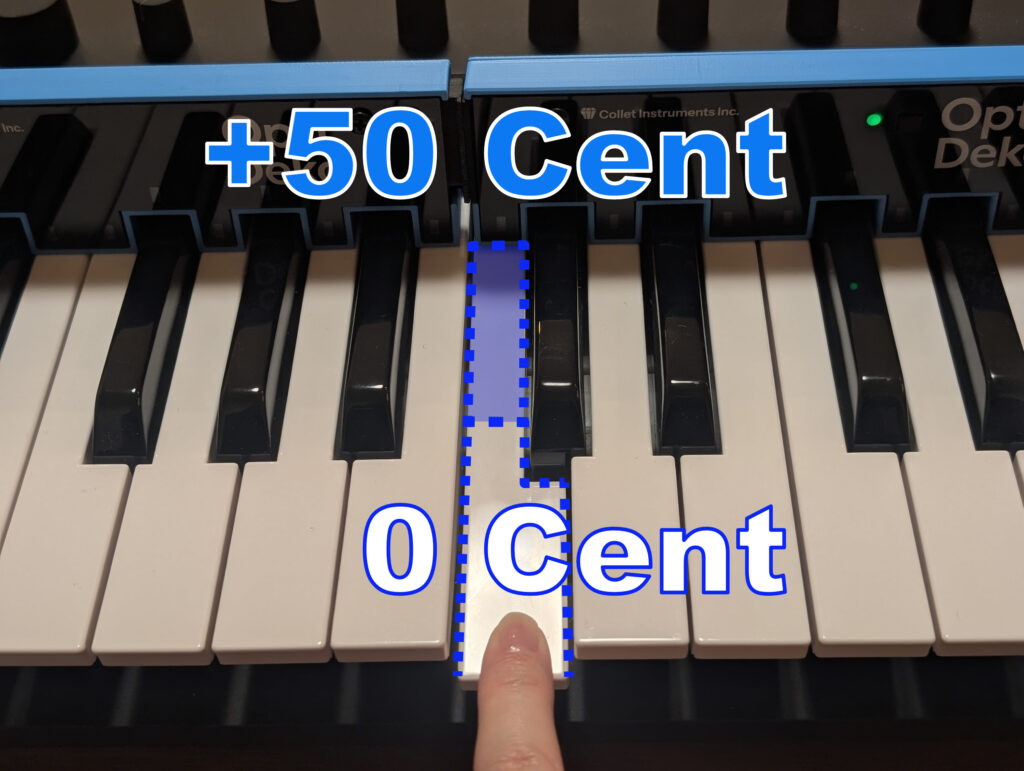
When you play near the front of a key, it sounds at the normal pitch. When you play near the back of the key, the pitch is raised by 50 cents.
This lets you play two different pitches on the same key and perform quarter tones (intervals halfway between semitones).
Each operating mode can be freely customized in your web browser using
the web-based editor.
Opti Deko Play
Opti Deko does not produce sound on its own. An MPE-compatible DAW or software instrument is required.
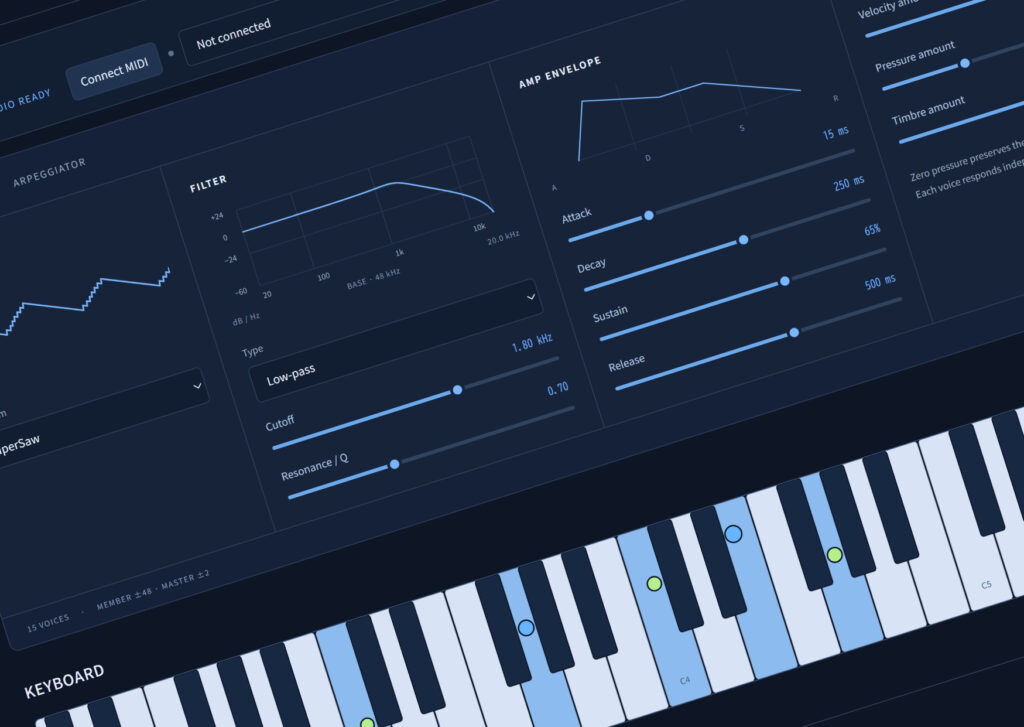
Opti Deko Play is a free MPE software instrument that runs in your web browser.
Simply open Opti Deko Play in your browser and connect Opti Deko to start playing.
- Windows or macOS and the latest version of Google Chrome or Microsoft Edge are required.
- Before use, you need to allow the browser to access your MIDI devices.
https://optideko.collet-inst.com/play
Products
Currently, the following products are available for purchase only in Japan. We are preparing for mass production for international markets.
Basic Pack
- Starter pack for Opti Deko
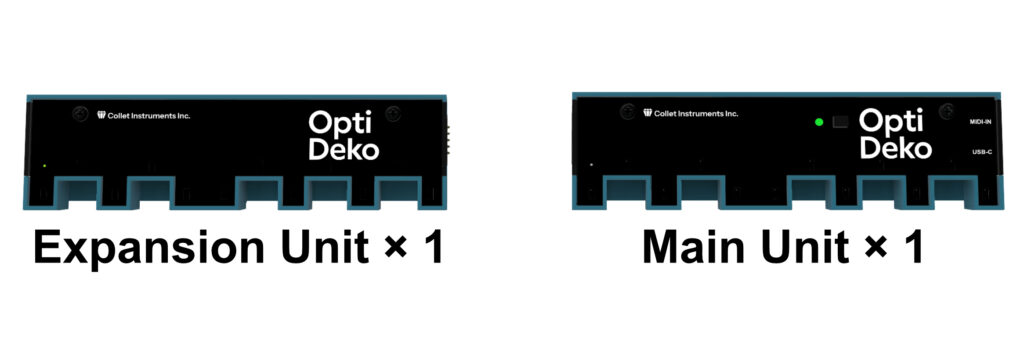
- Includes one Main Unit and one Expansion Unit
- Each unit can detect one octave (12 keys, from C to B)
- The Basic Pack can cover a range of up to two octaves
Extra Pack
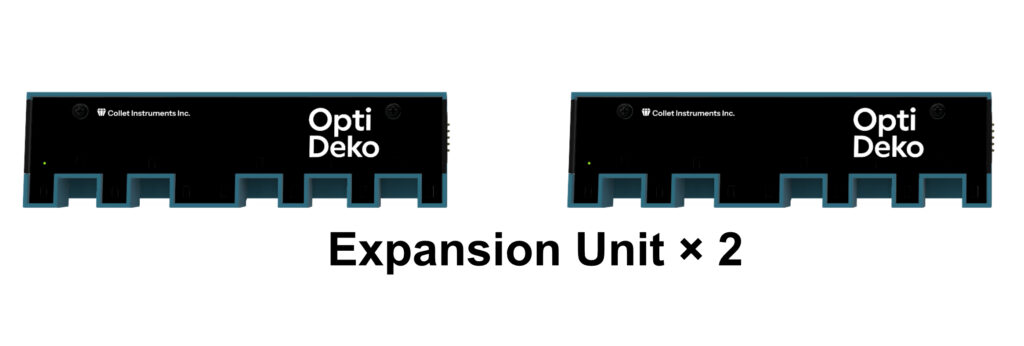
- Includes two Expansion Units
- When combined with the Basic Pack, it can cover a range of up to four octaves
Support